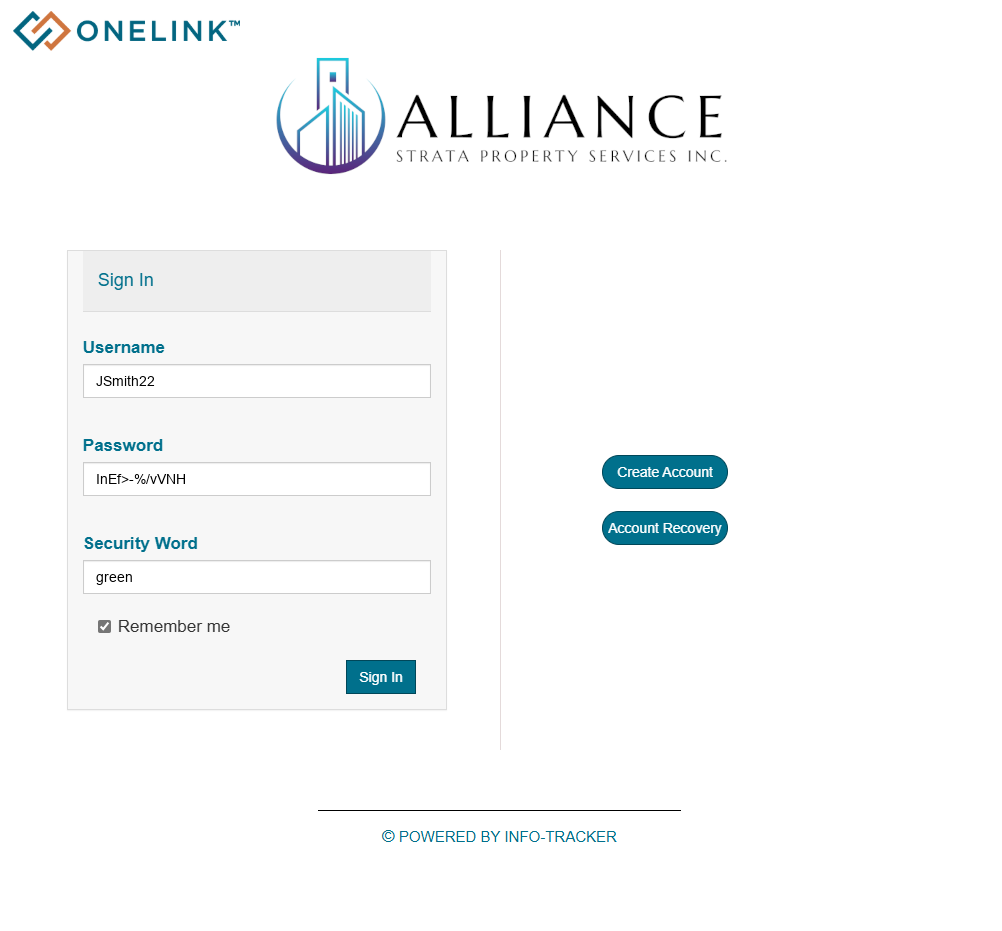
Only owners in Strata’s that have been onboarded to OneLink may create an Owner’s Portal Account. If you are unsure if your Strata has been onboarded, reach out to Alliance Strata Property Services.
Getting Started
To begin either:
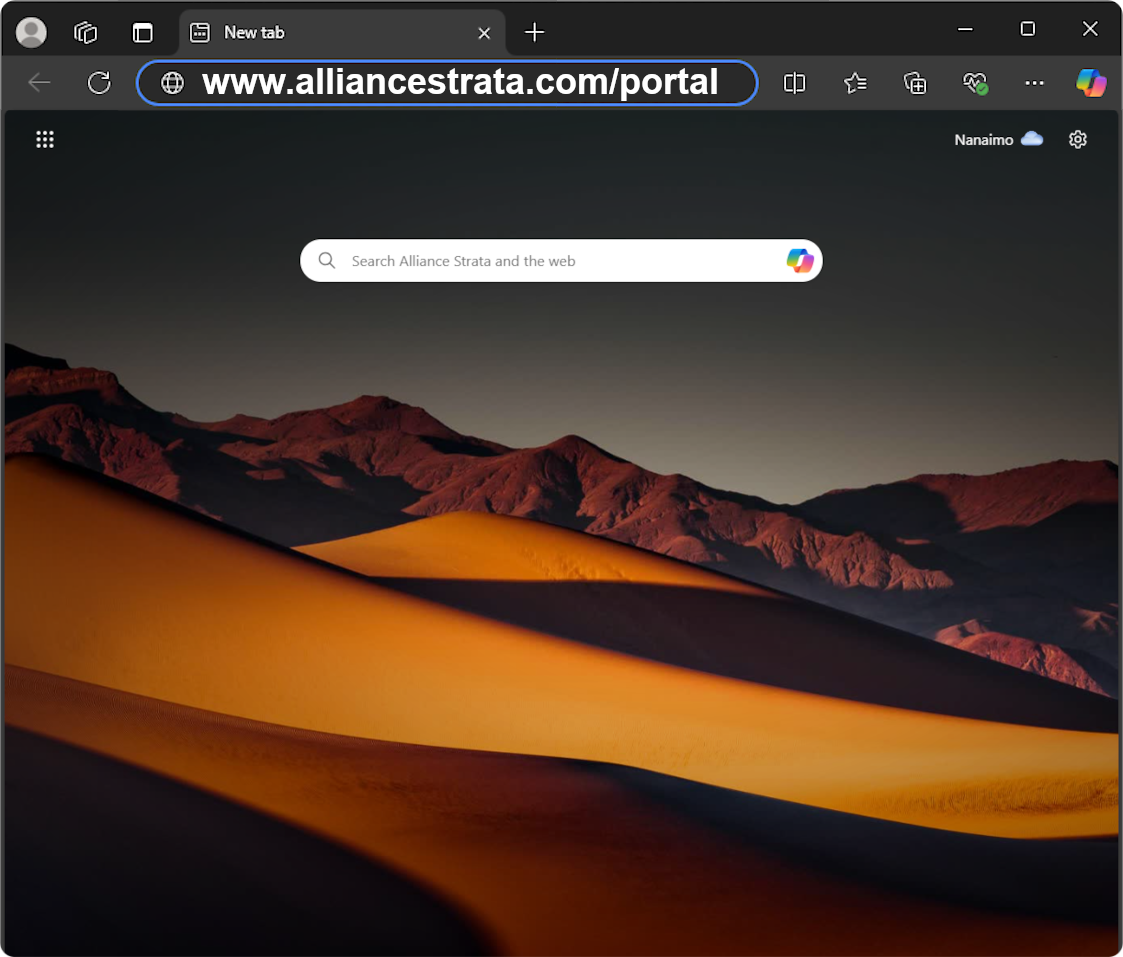
Visit www.alliancestrata.com/portal in your web browser
OR
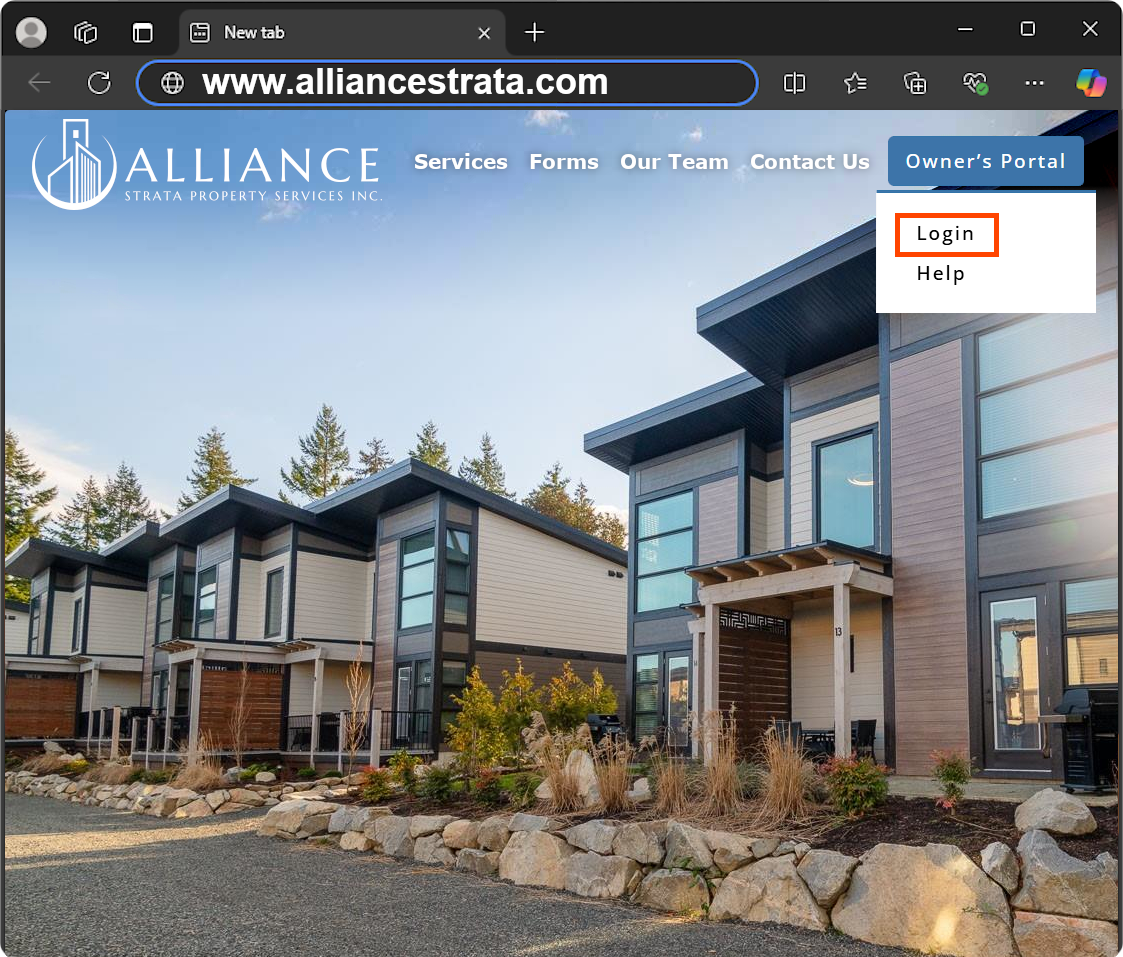
Select “Login” from the navigation menu on this website
Visit https://alliancestrata.com/portal in your web browser
OR
Select “Login” from the navigation menu on this website
Account Registration
1. Click 
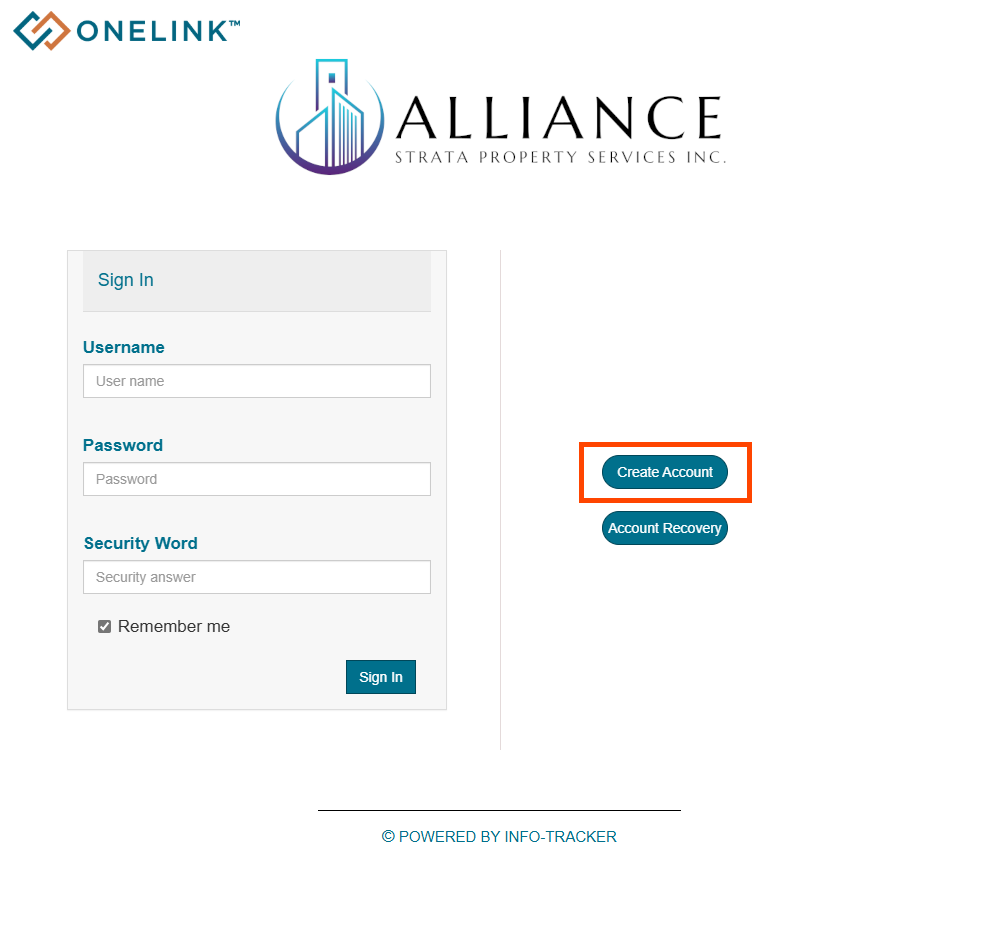
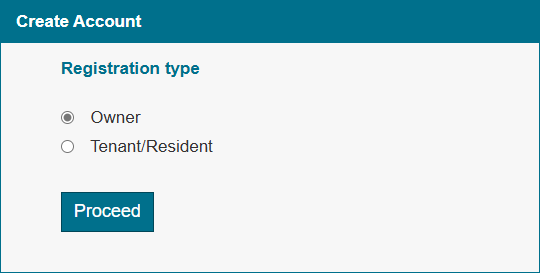
2. Under Registration Type, select “Owner” and click 
Note: Only one primary account can be created per unit. Additional Owners, Realtors, Tenants, and Family Members will need to be added as contact and given access from the primary account.
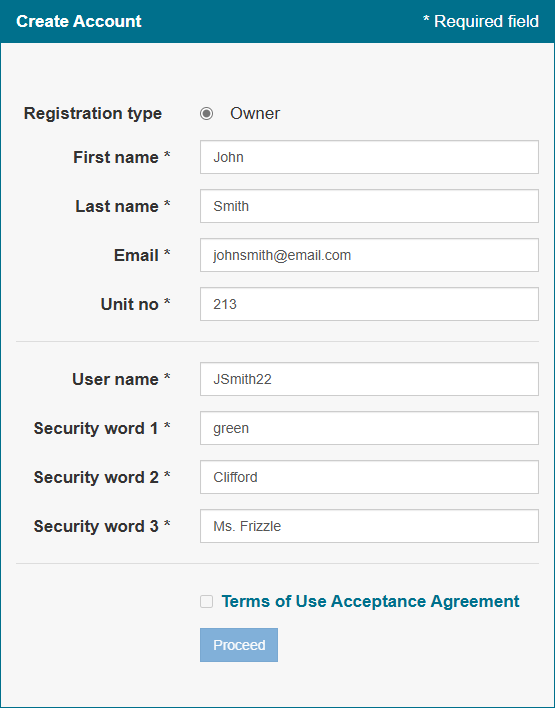
3. Fill in the form with all required fields. You will need to use one of your security words to log-in, so enter in words you’ll remember.
4. After entering all required information, Click the link “Terms of Use Acceptance Agreement”.
You will be taken to the agreement, ensure to read the agreement before you click  at the bottom
5. After accepting the Terms of Use you will be redirected back to the form, you will now be able to click
Note: If you own multiple units you will need to repeat this process for all units that require an OneLink account
3. Fill in the form with all required fields. You will need to use one of your security words to log-in, so enter in words you’ll remember.
4. After entering all required information, Click the link “Terms of Use Acceptance Agreement”.
You will be taken to the agreement, ensure to read the agreement before you click at the bottom
5. After accepting the Terms of Use you will be redirected back to the form, you will now be able to click
Note: If you own multiple units you will need to repeat this process for all units that require an OneLink account
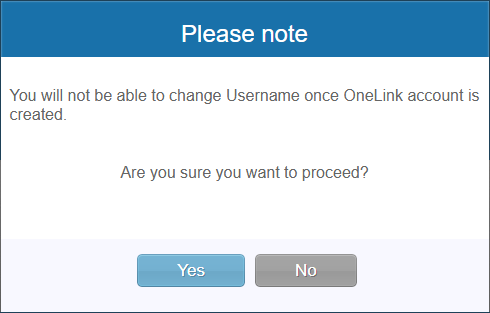
6. You will be prompted to confirm if you are content with your username, click  to continue with registering your account
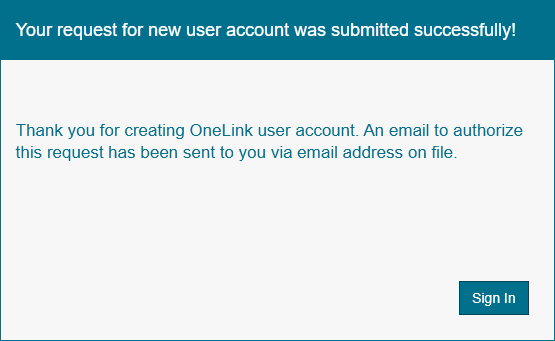
7. If you receive this message, your account has been registered successfully. The next step is to log into your email that you used to sign up with.
Account Verification
This email includes a verification link to complete OneLink account registration and an auto-generated password that will be used to login to the OneLink account once the account has been verified.
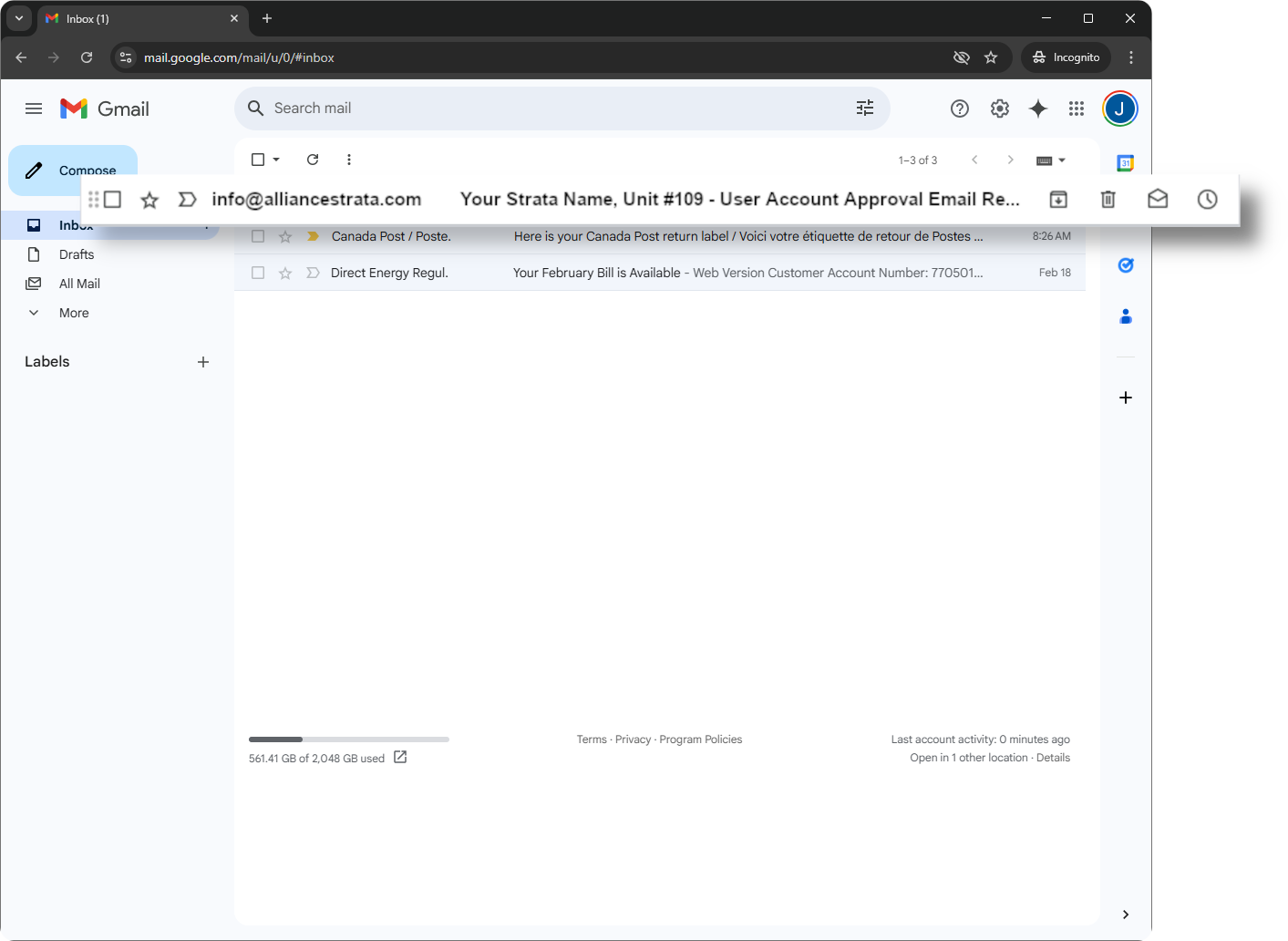
1. Log into your email you used to register and open the email from info@alliancestrata.com
If you do not see the email in your inbox, check your “Spam” or “Junk” folder
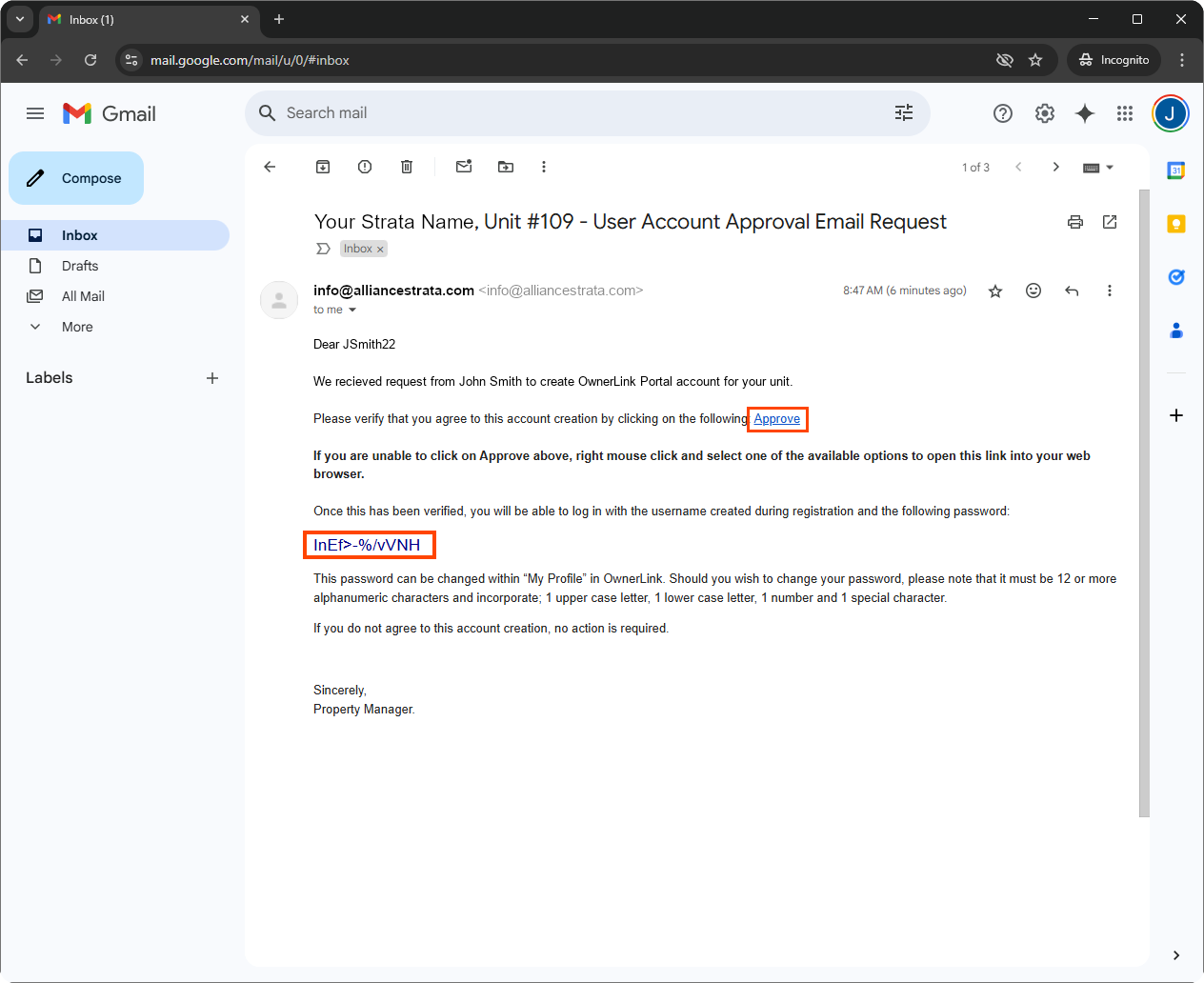
2. Copy your temporary password
3. Click on Approve
4. After clicking the “Approve” link in your email you will be sent a confirmation email for your records.
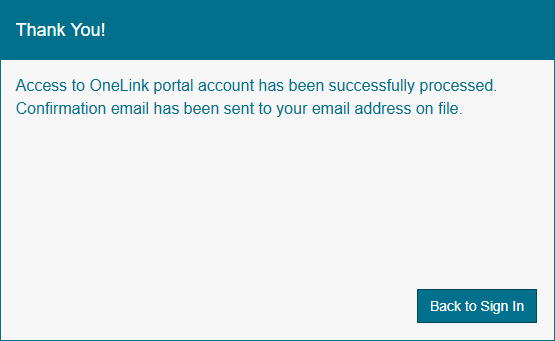
5. You can now sign in using your Temporary Password
If you would like instructions on how to sign in, view: How to sign in
If you would like instructions on how to change your password, view: How to change your password