Only owners in Strata’s that have been onboarded to OneLink may create an Owner’s Portal Account. If you are unsure if your Strata has been onboarded, reach out to Alliance Strata Property Services. If you need instructions on how to create an account, view: How to create an account
Getting Started
To begin either:
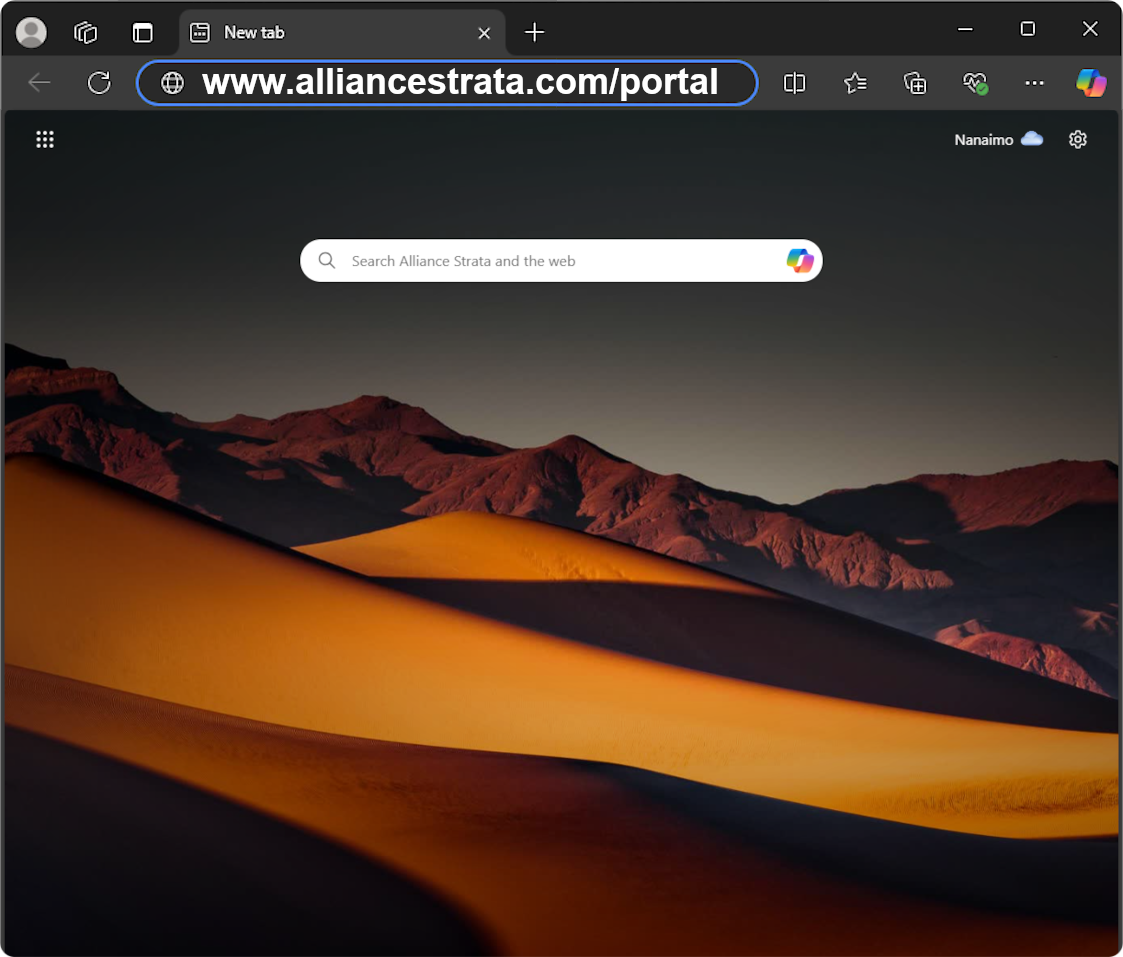
Visit www.alliancestrata.com/portal in your web browser
OR
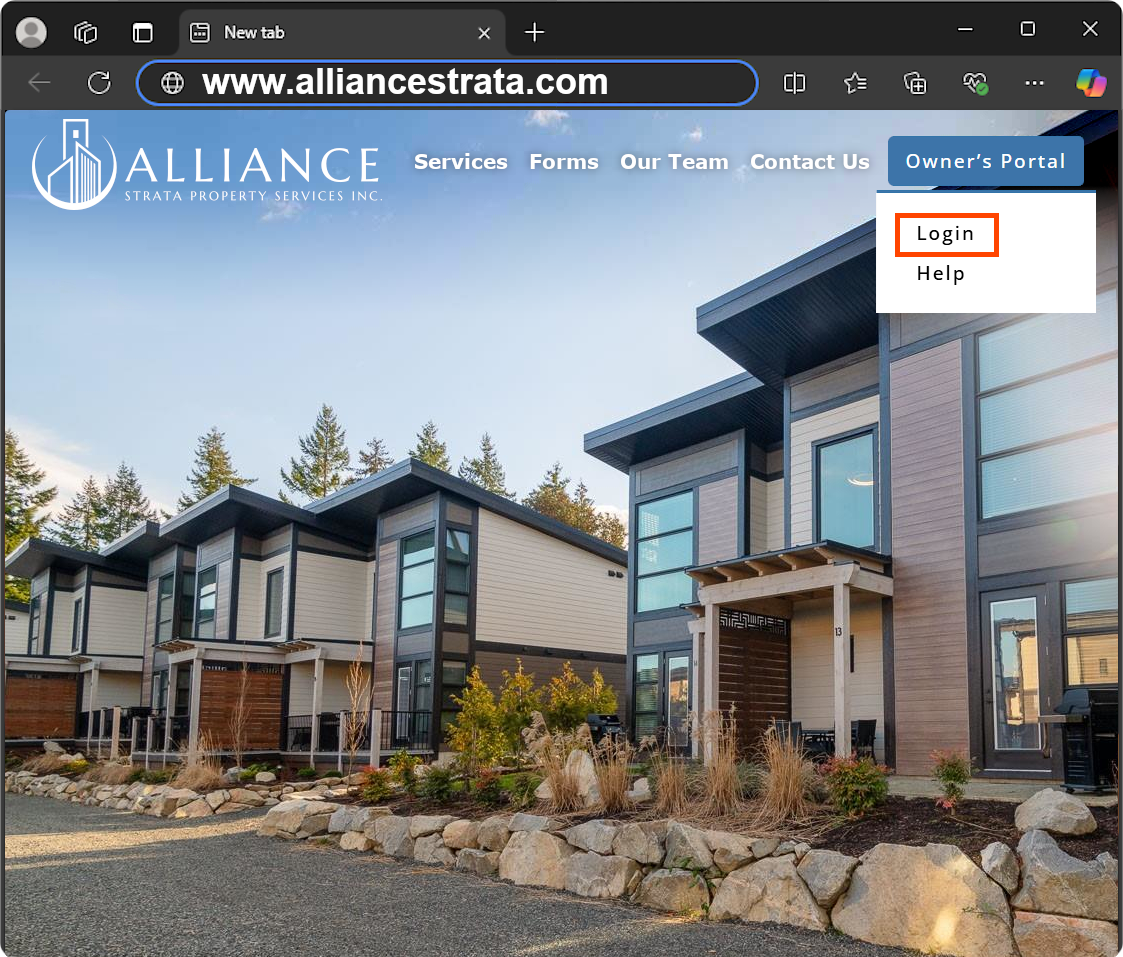
Select “Login” from the navigation menu on this website
Visit https://alliancestrata.com/portal in your web browser
OR
Select “Login” from the navigation menu on this website
Signing In
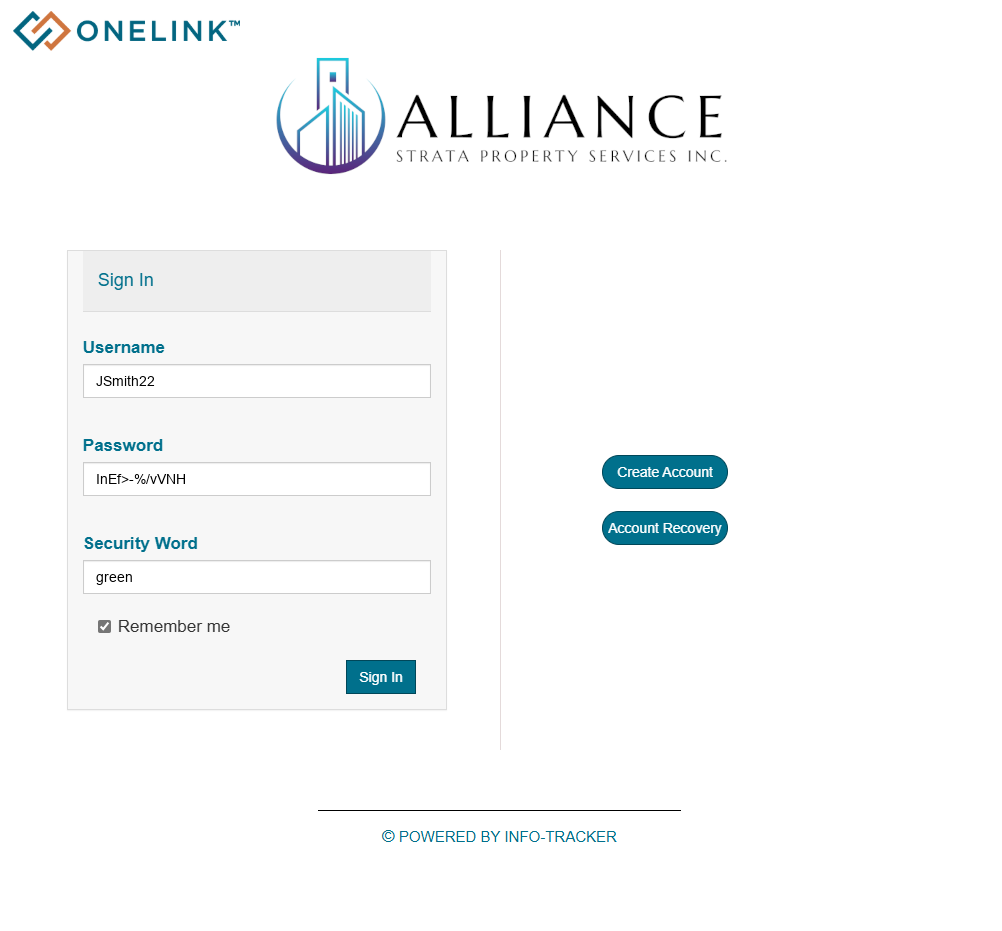
1. Fill in the “Sign In” Form
Username: Username you used during registration
Password: Your password (If you haven’t changed your password it will be your Temporary Password emailed to you during registration)
Security Word: Any of the three Security Words you used during registration
2. Click on